Key Takeaways
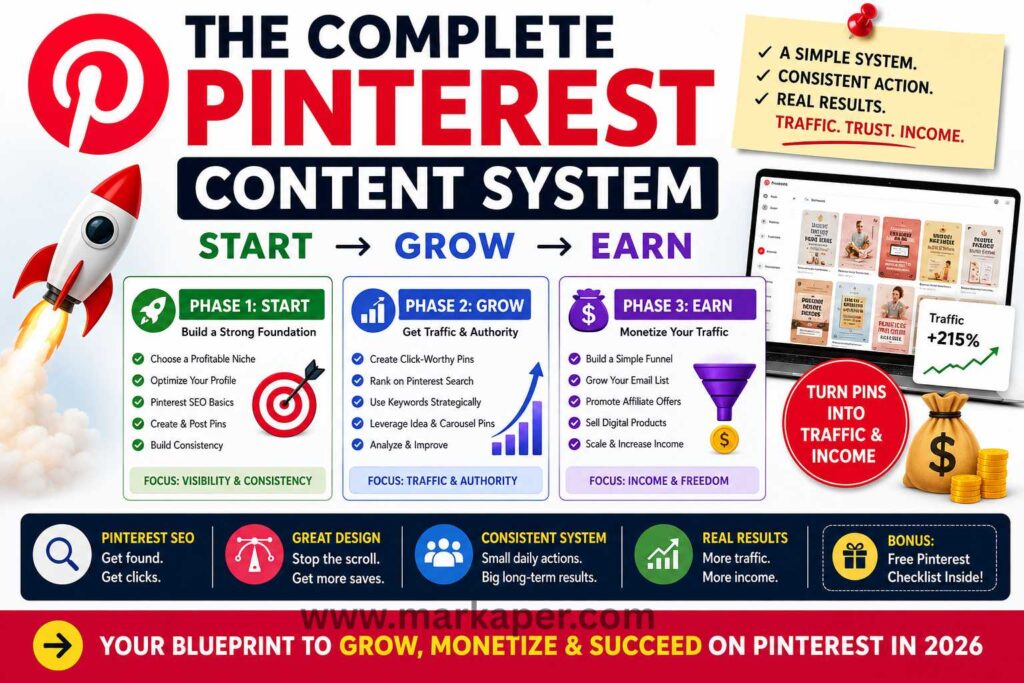
- Pinterest works best when you treat it like a search engine and build around one focused niche.
- A simple three-stage system, start, grow, earn, keeps your Pinterest content organized and easier to scale.
- Pins get more clicks when the title, design, and board name all match the search intent.
- Pinterest traffic turns into results when each pin sends readers to one clear next step, like a landing page, email opt-in, or product page.
- Consistent posting and weekly review matter more than posting a high volume of pins.
Pinterest still feels underrated, even though a single pin can keep sending traffic long after you post it. If you’ve been stuck with low clicks, weak click-throughs, or no clear idea what to publish, you’re not alone, and that’s exactly why a free traffic method for affiliate beginners like Pinterest can work so well.
Unlike fast-moving social apps, Pinterest acts more like a search engine, which means people come there looking for answers, ideas, and products. That gives you a real shot at steady Pinterest traffic, whether you want to grow a blog, sell digital products, or build a faceless income stream with simple faceless business ideas.
In the next sections, you’ll see how to build a clear Pinterest content system that helps you start strong, grow with purpose, and earn without guessing what to post next.
What the Pinterest content system actually is
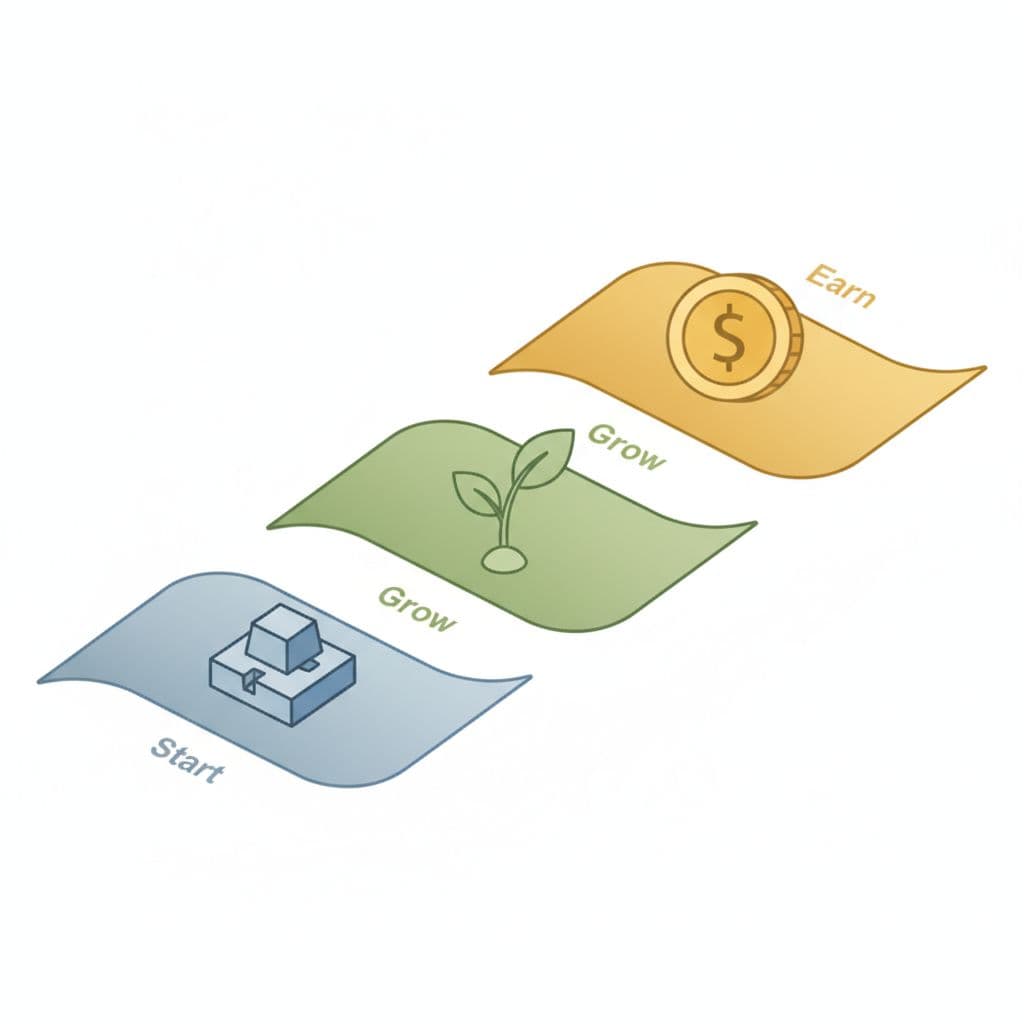
The Pinterest content system is a simple way to organize what you post so every pin has a job. Instead of posting random ideas and hoping for clicks, you move through a clear flow that helps you set up, get found, and turn traffic into income.
That matters because Pinterest rewards helpful content that matches what people search for. When your account has structure, your pins, boards, and links all work together instead of pulling in different directions.
The three stages that make the whole system work
The system has three stages: start, grow, and earn. Each one builds on the one before it, so skipping a stage usually slows everything down.
Start is your setup phase. You choose a focused niche, set up your profile, and make sure your boards and content match the topic you want to be known for. If your account is messy, Pinterest has a harder time understanding who your content is for.
Grow is where you get discovered. This is the stage where your pins show up in search, people click through, and your best ideas start getting traction. If you want to create your first affiliate content strategy, this is where your content plan starts to matter.
Earn is the part where traffic turns into money. That can mean affiliate links, blog visits, email signups, or your own products. If you try to earn before you grow, you usually end up with weak traffic and low trust.
The system works best when you treat Pinterest like a path, not a lottery ticket.
Once you see these stages clearly, your content becomes easier to plan. You know what to fix first, what to improve next, and what should actually make money later.
Why Pinterest can still bring traffic for months
Pinterest content lasts because it behaves more like search than social media. A pin does not vanish in a few hours the way a feed post often does, so one good pin can keep sending visitors long after you publish it.
That long shelf life is why Pinterest works so well for creators who don’t want to post every hour. You can publish steadily, let the platform index your content, and build traffic over time instead of chasing short bursts of attention.
The compounding effect matters here. A pin that gets a few clicks today can still gain traction later if it matches a search term people keep using. As a result, your effort can keep paying off while you work on new content.
A practical Pinterest workflow looks like this:
- Publish useful pins tied to clear search terms.
- Link each pin to a page that actually helps the reader.
- Keep posting new content at a steady pace.
- Review what gets clicks, then make more like it.
That pace is what makes Pinterest appealing in 2026. You can build traffic without living inside the app all day, and you can let older content keep working for you. If your goal is steady growth, that kind of system beats random posting every time.
Set up your Pinterest account for growth from day one
Your Pinterest setup matters more than most beginners think. If your profile looks random, your content gets mixed signals, and that slows down growth. A clear setup helps Pinterest understand your topic, and it helps new visitors trust you fast.
You want your account to feel focused the moment someone lands on it. That means one niche, a clean profile, and simple wording that matches what people are already searching for.
Choose one niche that is easy to post about
Pick one topic that has both search demand and a long list of content ideas. If you choose something too broad, you end up with scattered pins and weak results. If you choose something too narrow, you run out of ideas fast.
A good niche lets you post again and again without forcing it. For affiliate marketers, that could be budget beauty finds, home office setup ideas, or tools for beginner bloggers. Bloggers can focus on simple recipes, money-saving tips, or small space organization. Digital product sellers often do well with printable planners, content templates, or business checklists.
A focused niche also helps Pinterest place your content in front of the right people. When every pin points to the same topic, your account feels easier to classify, and that helps your future posts find a clearer audience.
If you can’t think of 30 pin ideas for your niche, it’s probably too vague.
A simple test helps here. Ask yourself if people search for the topic, buy products in it, and save content about it. If the answer is yes, you probably have a niche that can grow.
Build a profile that tells people what you do
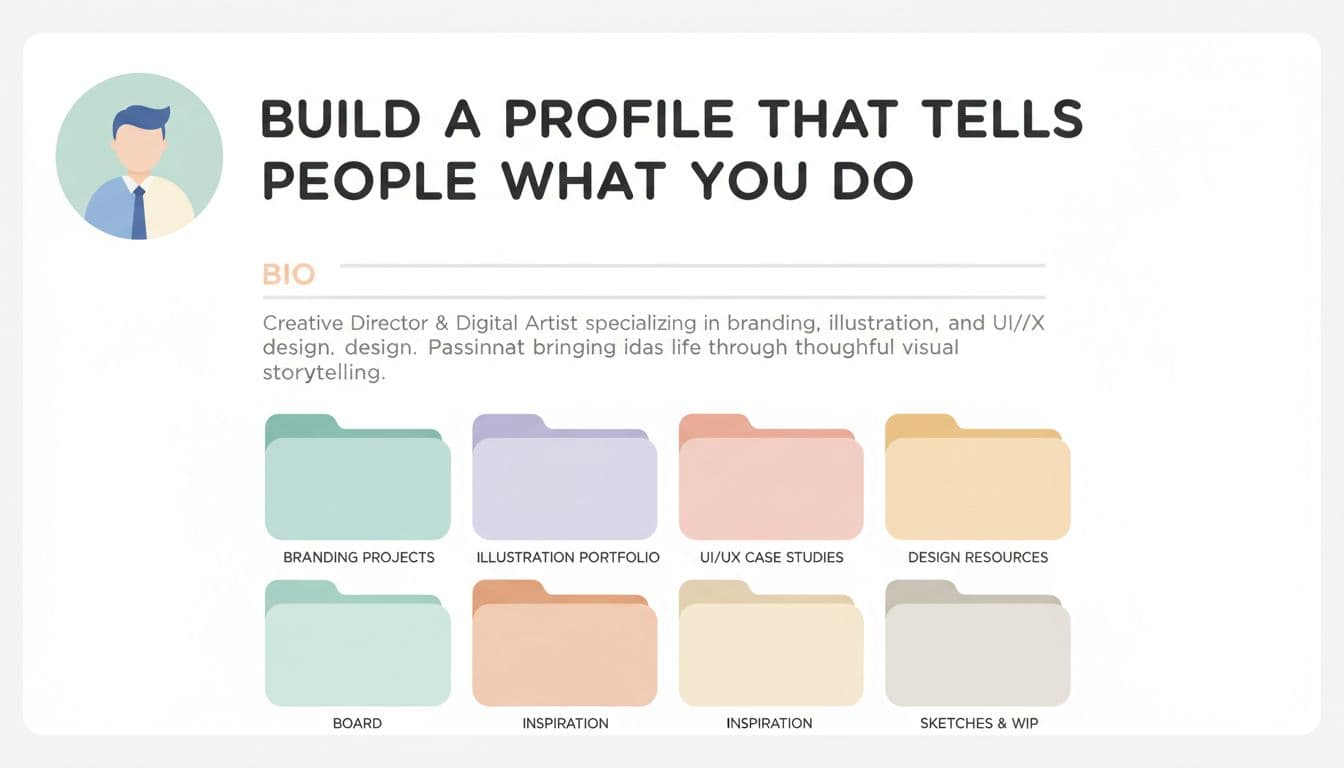
Your profile should explain your content in a few seconds. A new visitor should not have to guess what your account is about. Keep everything clear, searchable, and easy to trust.
Start with your username. Use a name that is easy to read and hints at your topic. If your brand name is available, use it. If not, add a simple keyword that fits your niche.
Your bio should say who you help and what you post. Keep it plain. For example, you might say you share Pinterest tips for bloggers, printable ideas for small businesses, or budget-friendly home ideas for beginners.
Your profile photo should look clean and professional. A clear headshot works well if you want a personal brand. If you run a faceless account, use a sharp logo or branded image that still looks polished.
Your board names matter too. Use names people would actually search for, like “Pinterest Marketing Tips” or “Meal Prep Ideas for Busy Weeknights.” The goal is simple, make your account easy to understand at a glance.
A strong profile setup can point people toward more of your work too. If you want help shaping your broader content direction, you can also use this affiliate content planning guide as you build your first boards and topics.
Use Pinterest SEO in a simple, repeatable way
Pinterest SEO gets easier when you treat it like a repeatable checklist. Use the words your audience already searches for, then place them where Pinterest can read them clearly. You do not need a complicated system.
Start with your pin title. Make it direct and specific, like “Easy Pinterest SEO Tips for Beginners” or “Best Meal Prep Ideas for Busy Weeks.” Then write your pin description with a few natural search terms that match the pin topic.
Do the same for your board titles and board descriptions. If a board is about blog traffic, say that. If it is about digital products, say that too. Clear names help both people and Pinterest understand what belongs there.
A simple pattern works well:
- Use one main topic in the pin title.
- Add related words in the description.
- Match your board title to the same topic.
- Keep the board description focused and readable.
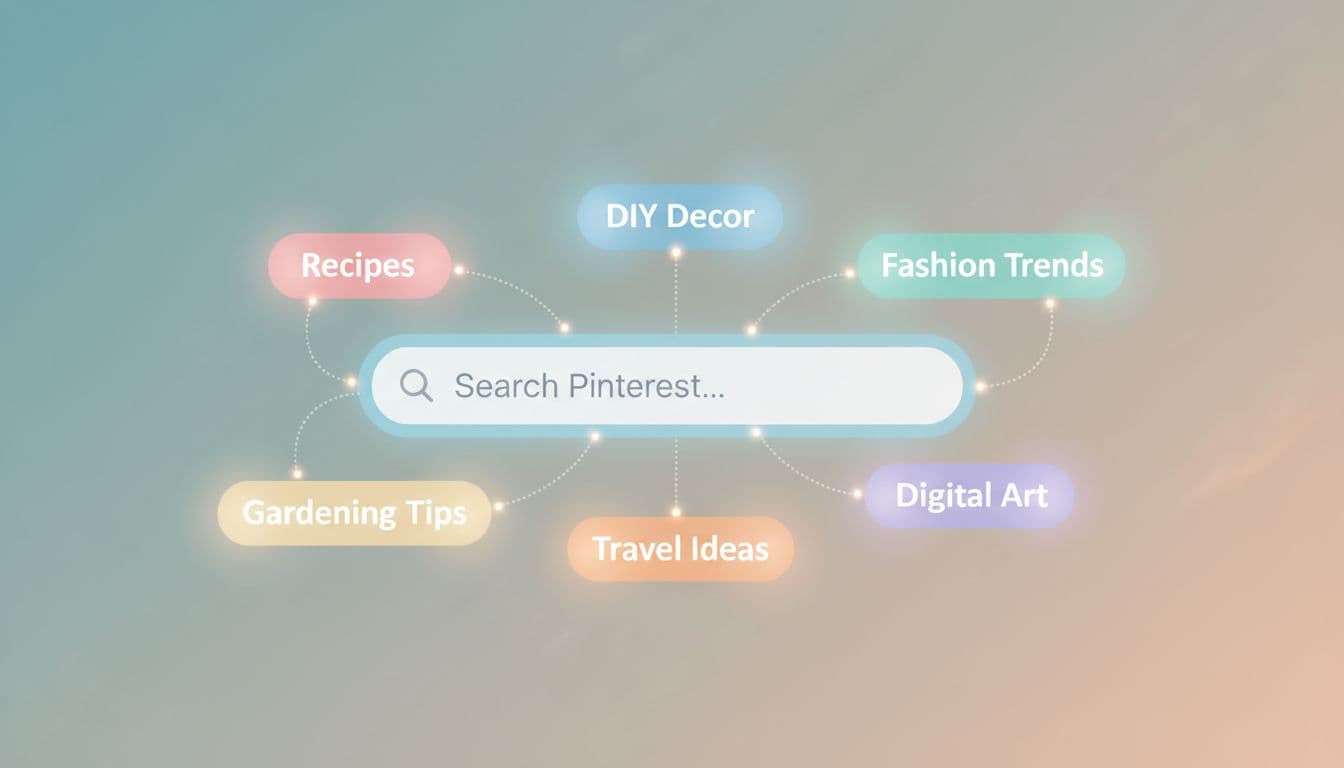
When you repeat this process every time you post, Pinterest gets a consistent signal. That makes your account easier to grow because each new pin supports the same topic instead of competing with it.
Know how often to post without burning out
Consistency matters more than volume. You do not need to post nonstop to grow on Pinterest. You do need to stay active with fresh content so your account keeps moving.
A realistic beginner approach is to post a few fresh pins each week and keep that pace steady. If you can handle more, great. If not, stay small and consistent. A slower schedule you can maintain for months beats a burst of posting that stops in two weeks.
Think in terms of rhythm, not pressure. Batch a few pins at once, schedule them ahead, and protect your energy. That makes it much easier to keep going when life gets busy.
This mindset helps a lot:
- Pick a number you can repeat: Choose a posting pace that fits your schedule.
- Create in batches: Make several pins in one sitting.
- Track what works: Keep posting more of the content that gets clicks.
- Stay patient: Give Pinterest time to learn your account.

If you stay steady, your account starts to build momentum. That is the real answer to how to grow on Pinterest, because the best setup is the one you can keep using week after week.
Create pins people actually want to click
A pin gets clicks when it feels clear, useful, and worth opening right away. You do not need flashy design tricks or vague curiosity bait. You need a pin that matches what people already want, then makes the next step obvious.
That means every part of the pin should work together. The title should promise a result, the design should be easy to scan, and the format should fit mobile screens. If your pin looks good on a phone and speaks to a real search need, you already have a better shot at steady Pinterest traffic. For monetized content, that same traffic can support legitimate ways to make money online through affiliate links, products, or lead capture.

Write pin titles that promise a clear result
Your title should tell people exactly what they get when they click. Clear beats clever here. If someone has to guess, they usually keep scrolling.
Use titles that focus on a benefit, a problem, or a specific outcome. “Easy Pinterest Pin Ideas for Bloggers” works better than “Creative Things You Can Try.” The first one tells people who it is for and what they will find.
A few title styles work especially well:
- Benefit-focused: “10 Easy Pin Ideas That Get More Clicks”
- Problem-solving: “How to Fix Low Pinterest Traffic”
- Specific outcome: “Pin Titles That Bring More Blog Visits”
- Curiosity with clarity: “What Makes a Pinterest Pin Worth Clicking”
Keep the language close to the topic people search for. If your pin matches the search intent, it feels natural instead of forced. That usually brings better clicks, because the promise and the page line up.
A strong title does one job well, it makes the right person feel like the click is worth it.
Design pins that are easy to read on mobile
Most people see your pin on a phone, not a huge desktop screen. So your design has to work at small size first. If the pin feels crowded, the message gets lost fast.
Use a vertical format, since Pinterest favors tall pins that fill more of the screen. Add large text that is easy to read at a glance. Keep the font bold, the message short, and the contrast strong enough to stand out on a busy feed.
Simple layouts usually perform better than cluttered ones. A clean image, one main idea, and a clear headline are easier to process. Busy graphics can look impressive up close, but they often fail on mobile.
A good mobile-friendly pin usually has:
- One main message
- Large, readable text
- Strong contrast between text and background
- Enough empty space to avoid a crowded look
When you keep the design simple, the pin feels easier to trust. That matters because people click faster when they do not have to work to understand what they are looking at.
Test different pin styles so you find what works
You do not need to guess forever. Pinterest gives you room to test, compare, and improve. That is better than trying to make one perfect pin and hoping it carries the account.
Start by testing a few formats for the same topic. Static pins are simple and fast to make. Video pins can add movement and stop the scroll. Multi-image formats help you show steps, comparisons, or short lists without cramming everything into one frame.
The point is to learn from results. If one style gets more clicks, make more of that style. If another one gets saves but not clicks, adjust the title or image. Small changes tell you a lot.
You can test:
- Headline angle: problem-based vs benefit-based
- Visual style: photo, illustration, or graphic
- Format: single image, video, or multiple slides
- Text length: short headline vs slightly more detail
That kind of testing helps you grow on Pinterest without overthinking every post. You get feedback from real users, then you use that data to make the next pin better. Over time, that beats perfection every time.
Turn Pinterest traffic into clicks, subscribers, and sales
Pinterest traffic is only useful when it leads somewhere clear. If people click your pins and then hit a dead end, you lose the chance to build trust or make a sale. The better move is to give every pin a next step that makes sense for the reader.
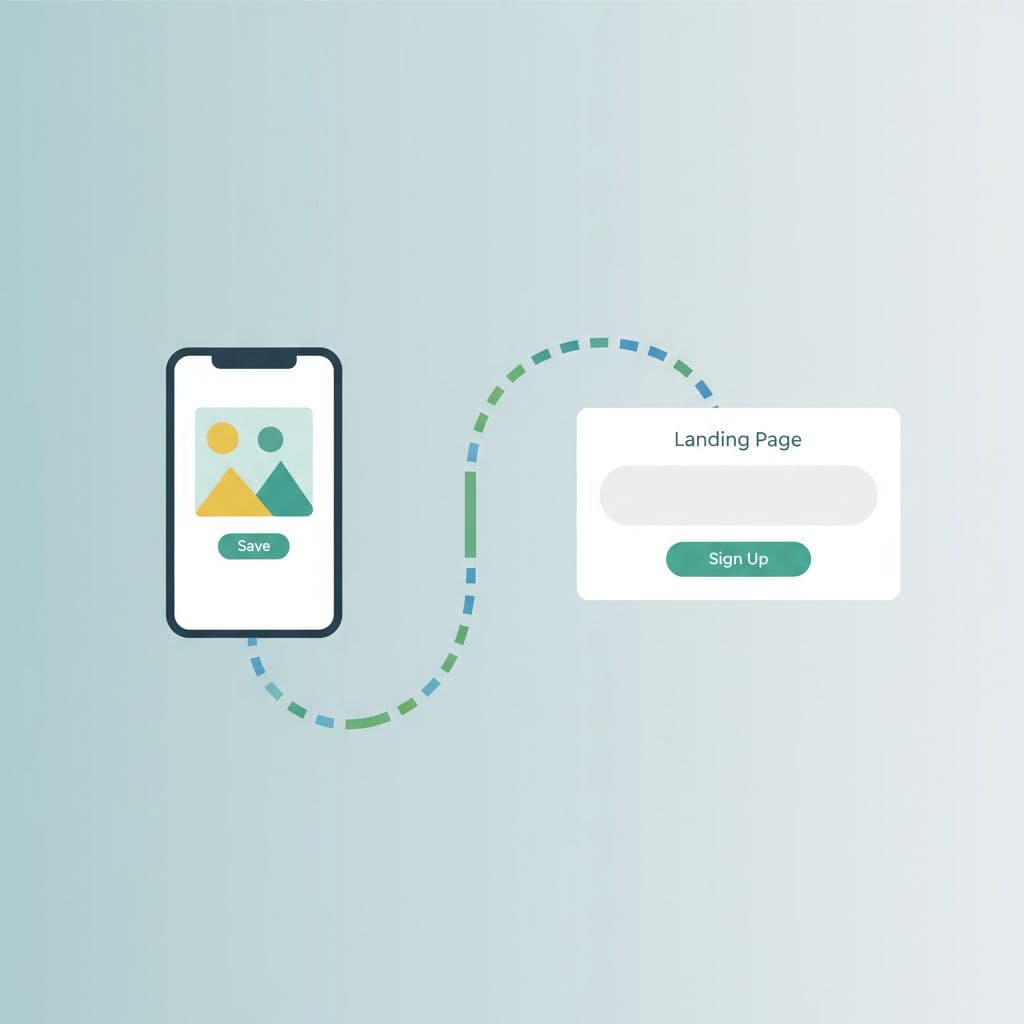
That next step can be a landing page, an email opt-in, or a product page. The key is to keep the path simple. When you do that, Pinterest starts acting like a real traffic source, not just a place for random views.
Build a simple funnel that fits your offer
Start with one clear path: pin, landing page, email list, then offer. You do not need a maze of pages or a bunch of different links. You need one strong landing page that does one job well.
If your goal is email growth, send people to a page that offers something useful in exchange for their email. That could be a checklist, mini guide, template, or free resource. If your goal is direct sales, send them to a focused sales page that matches the pin promise.
The biggest mistake is sending people everywhere at once. A single, well-built landing page often does more for you than a scattered setup. It keeps the message clear, and it gives the visitor one obvious action to take.
A simple funnel usually looks like this:
- Your pin makes one specific promise.
- Your landing page delivers on that promise.
- Your form or offer gives the next step.
- Your email follow-up or product page closes the loop.
Keep each step connected. If the pin promises Pinterest tips, the landing page should not suddenly talk about something else. That match builds trust fast, and trust helps clicks turn into subscribers.
Use affiliate marketing in a way that feels natural
Affiliate content works best when you recommend products that help solve a real problem. You do not need to sound pushy. You need to sound useful. If your reader already wants a result, your job is to point them toward a tool that helps them get there faster.
That means you should talk about the problem first, then introduce the product as part of the solution. For example, if someone wants better Pinterest design, you might share design tips and then recommend a tool that helps them create pins faster. If someone wants more email signups, you might suggest an email service or landing page tool that fits beginners.
The best affiliate content feels like advice, not a sales pitch. Your pin should promise one thing, your landing page should explain it, and your affiliate offer should fit the same idea. When all three match, people are far more likely to click through and trust your recommendation.
A simple rule keeps this clean. Promote products you would still mention even if there was no commission. That filter cuts out random offers and keeps your content useful.
If your pin says one thing and your landing page says another, your clicks will not convert well.
Sell digital products or services to your warmest traffic
Pinterest visitors who already trust your advice are much more likely to buy from you. That is why digital products work so well here. You can offer something simple, useful, and easy to understand without building a huge store.
Good beginner products include:
- Templates for pins, captions, content plans, or lead magnets
- Checklists that help people follow a process step by step
- Guides that explain one topic clearly
- Audits for accounts, websites, or content
- Mini-courses that teach one result in a short format
You can also sell services if that fits your business. A Pinterest audit, content review, or setup service can work well if your audience wants help now. The people who come from Pinterest already saw your ideas, so they often arrive warmer than cold traffic from search alone.
That makes the sale easier. They are not starting from zero. They already know you understand their problem, which means your offer feels like the next logical step.
Keep the offer small and clear at first. A simple product that helps one type of reader usually sells better than a broad product that tries to do too much. If you need product ideas, start with this list of 25 profitable digital product ideas to sell in 2026.
Avoid the monetization mistakes that slow growth
The fastest way to hurt your Pinterest results is to monetize too early or too randomly. If you send traffic to weak pages, readers leave. If you promote offers that have nothing to do with your content, trust drops. Both problems make growth harder.
Watch out for these mistakes:
- Selling before helping: Give the reader value first, then make the offer.
- Sending traffic to weak pages: Your landing page should be clear, focused, and easy to act on.
- Promoting random products: Stick to offers that match your content and audience.
- Skipping the follow-up: If someone joins your list, keep the conversation going.
- Changing direction too often: A clear topic builds more trust than constant switching.
Trust matters more than quick wins. When people feel helped, they come back. They click more. They buy more. That is how Pinterest traffic turns into something bigger than a few one-time visits.
A better approach is simple. Keep your pins useful, keep your pages matched, and keep your offers relevant. Then your traffic has a real chance to turn into clicks, subscribers, and sales instead of disappearing after the first visit.
Use a daily workflow that keeps your Pinterest system moving
A good Pinterest system does not depend on motivation. It depends on a routine you can repeat without thinking too hard. When you give your account a daily rhythm, you stop guessing and start making steady progress.
The goal is simple: keep ideas moving in, keep pins going out, and keep learning from the results. That is how you grow on Pinterest without turning every day into a scramble.
Research ideas before you create anything
Strong Pinterest content starts with real search demand. You want to build pins around what people already want, not what feels random in the moment. That means checking search terms, trend ideas, comments, and common pain points on a regular basis.
Start with Pinterest search. Type a broad phrase related to your niche and watch the suggestions that appear. Those suggestions often show you the words people actually use, which makes your pins easier to match with search intent.
Then look at trends and popular pins in your space. Notice the angles, topics, and formats that keep showing up. If the same problem appears again and again, that is a clear sign you should create content around it.
Comments help too. If people ask the same questions on blogs, YouTube, or social posts in your niche, those questions can become pin topics. Common problems are often your best ideas, because they already have built-in interest.
A simple research habit keeps this process repeatable:
- Check one or two search phrases in Pinterest.
- Save topics that appear more than once.
- Note repeat questions from comments or replies.
- Turn each problem into one clear pin idea.
If you want a larger content plan to go with this, a first affiliate content plan can help you turn those ideas into a cleaner publishing system.
Good Pinterest content usually comes from patterns, not sudden inspiration.
Batch your pins so you save time every week
Batching makes Pinterest much easier to manage. Instead of planning one pin at a time, you group the work together. You pick ideas, write titles, design graphics, and schedule posts in one focused block.
That cuts stress because you are not switching tasks all day. Your brain stays in one mode longer, so you work faster and make fewer small mistakes. It also helps you stay consistent when your schedule gets busy.
A beginner-friendly batching flow looks like this:
- Plan a small set of topics based on your research.
- Write the pin titles and descriptions in one sitting.
- Design the graphics using the same layout style.
- Schedule everything ahead so your account keeps moving.
You don’t need a giant content day to do this well. Even one or two short batching sessions a week can keep your Pinterest workflow on track. The key is to make a little buffer so you are never starting from zero.
This is where many creators save time with simple tools. A scheduling tool like Tailwind or Pinterest’s own scheduler can help you plan ahead, while a design tool like Canva keeps the visual side easy. The fewer decisions you make every day, the easier it is to stick with your system.
If your Pinterest account supports your broader business model, this routine also gives you more space to build traffic around simple ways to make money online through affiliate links, email signups, or digital products.
Review your results and double down on what works
Pinterest analytics should feel useful, not technical. You only need a few numbers to make better decisions. Look at clicks, saves, impressions, and your top-performing topics, then use that information to guide your next posts.
Clicks tell you what people want to open. Saves show you what feels useful enough to keep. Impressions tell you which topics Pinterest is already showing to people. When one topic pulls ahead, that is your cue to make more like it.
A simple review process keeps things clear:
- Check which pins got the most clicks.
- Look for themes in your best-performing topics.
- Notice which designs got the most saves.
- Make more pins around the winners.
You don’t need to reinvent your content every week. If one topic gets attention, create a few new angles on that same idea. That might mean a different headline, a new visual style, or a slightly different promise. Small changes often bring better results than starting over.
Keep your reviews short and regular. A quick weekly check is enough for most beginners. If you want, use that check to spot one win and one fix. Then apply both to your next batch of pins.
That habit is what makes your Pinterest system keep moving. You research what people want, you batch the work, and you use the data to decide what comes next. Over time, that rhythm gives you a much clearer path to growth than posting at random ever will.
Build content pillars that keep your ideas flowing
If you want Pinterest to feel easier, content pillars are the fix. They give your account a few clear lanes to post in, so you stop staring at a blank screen every week.
For Pinterest, that matters more than ever. When your topics stay focused, you can create faster, stay consistent, and help Pinterest understand what your content is about. That makes it much easier to grow on Pinterest without constantly reinventing your strategy.
Mix educational, problem-solving, and money content
You need variety, but it should be the right kind of variety. A strong Pinterest account usually mixes how-to content, mistake-based posts, beginner guides, and posts that lead to offers. That keeps your account useful, and it gives people more reasons to save and click.
Educational posts help you build trust. Problem-solving content grabs attention because it speaks to a pain point. Beginner guides are easy to search for, and money content connects your traffic to a real next step.
A simple mix might look like this:
- Educational: “How Pinterest SEO works for beginners”
- Problem-solving: “Why your Pinterest clicks are low”
- Beginner-friendly: “What to post when you’re new to Pinterest”
- Money-focused: “Best tools for turning Pinterest traffic into income”
That mix keeps your feed from feeling one-note. If you only post tutorials, you may get saves but miss sales. If you only post money content, you can lose trust fast. A balanced set of pillars gives you both reach and relevance.
Keep your ideas aligned with your offers
Your content should point toward what you actually sell. If you promote affiliate products, your posts should solve problems those products help with. If you sell services or downloads, your content should attract people who need that exact kind of help.
That alignment matters because people who already care about the topic are easier to convert. A pin about Pinterest templates will usually convert better if your offer is a Pinterest template pack. A pin about blog traffic works better if your service or product helps with traffic growth.
A quick way to check alignment is simple. Ask yourself whether each content pillar supports one of these goals:
- It attracts the right audience.
- It builds trust around a real problem.
- It leads naturally to a relevant offer.
When all three line up, your Pinterest traffic does more than grow. It moves toward something useful, and that is what makes the system pay off over time.
A realistic 30-day action plan to get started
You do not need a huge Pinterest plan to get moving. You need a clear month that helps you set up, publish, and learn without burning out. The first 30 days are about building a repeatable rhythm, not chasing perfect results.
What to do in your first week
Start with the basics and keep your focus narrow. Pick one niche, then make sure your profile clearly says what you cover. That gives you a clean foundation and keeps your future pins from feeling scattered.
Your first week should feel manageable, so aim for setup work only:
- Choose one niche you can post about regularly.
- Write a clear bio that says who you help and what you share.
- Use a clean profile photo or logo.
- Create a few boards with names people would search for.
- Do a first round of keyword research around your topic.
Spend most of your time on search terms and board ideas. You want to know what your audience is already looking for before you make pins. That way, every next step has a purpose.
Keep your board list simple at first. Three to five focused boards are enough. If you try to build too much too soon, you only slow yourself down.
What to publish in weeks two through four
Once your account is set, move into steady posting. This is where you stop preparing and start testing. Create a small batch of pins, then publish them across the month so you can see what people respond to.
Mix pin styles so you get useful data. A simple blend works well:
- Static pins for quick, clear ideas
- Video pins for motion and attention
- Multi-image pins for steps or comparisons
During these weeks, keep your topics close to your niche. One pin might answer a beginner question. Another might solve a common mistake. Another can point to a resource, product, or blog post.
Also, watch your early analytics. If one style gets more saves, make more of that style. If one topic brings more clicks, turn it into a small cluster of pins. Small wins matter here because they show you where to focus next.
A good weekly rhythm is easy to repeat. Publish, review, adjust, then publish again. That loop matters more than volume.
Your first month is for pattern-finding, not perfection.
How to tell if your system is working
At the start, results may look small. That is normal. Pinterest often needs time to understand your account, and your first pins may get mixed results before they improve.
Look for early signs of progress instead of waiting for a big spike. These are the signals that matter most:
- Impressions: Pinterest is showing your content to people.
- Clicks: People want to visit your page or offer.
- Saves: Your content feels useful enough to keep.
- Clear audience signals: Certain topics, designs, or formats start pulling ahead.
You may notice one pin does better than the others, even if the numbers are modest. That is still useful. It shows you what kind of message, topic, or design gets attention.
The real goal is to finish the month with a system you can repeat. If you can set up your account, post consistently, and spot what works, you are already ahead. From there, growth gets easier because you are no longer guessing every week.
Conclusion
Pinterest works best when you stop treating it like random posting and start treating it like a system. When you move through the three stages, start, grow, and earn, your content has a clear job at every step.
Begin with one niche and one simple workflow. Then keep posting, watch the data, and make more of what gets clicks and saves. That steady rhythm is how you grow on Pinterest without guessing every week.
You do not need a perfect account to begin. You need a focused setup, useful pins, and the patience to improve as you go, because that is what turns Pinterest into a real traffic source over time.
Frequently Asked Questions About Pinterest Growth in 2026
How does Pinterest grow traffic over time?
Pinterest grows traffic by keeping pins searchable long after publication. A strong pin can keep showing up in search and recommendations if it matches what people keep looking for. That is why the article’s focus on keyworded pins, steady posting, and board alignment fits the platform well.
How many times should I post on Pinterest each week?
A few fresh pins each week is enough for most beginners. The article already leans into consistency over volume, which is the right angle for this topic. A repeatable pace matters more than posting every day and burning out.
What should I put in my Pinterest profile for growth?
Your profile should make your niche obvious in a few seconds. Use a clear username, a bio that says who you help, a clean profile image, and board names people would actually search for. That helps both users and Pinterest understand your account faster.
How do I make Pinterest traffic turn into sales?
Send each pin to one page that matches the promise in the pin. That page can be a landing page, email opt-in, affiliate review, or product page. The article already explains this funnel idea well, so the FAQ can point readers back to the same system.
Do I need video pins to grow on Pinterest?
Video pins can help, but they are not required. Static pins still work if the title is clear, the design is mobile-friendly, and the topic matches a real search term. A mix of formats is useful once you want to test what gets the most clicks and saves.
This post may contain affiliate links. If you make a purchase through these links, I may earn a small commission at no extra cost to you.
About The Author
