Digital products matter because they let beginners, creators, freelancers, and small-business owners package useful knowledge or skills into something customers can buy online, without inventory, physical shipping, or repeated manual delivery. A digital product is created, purchased, and delivered in a digital format, such as an ebook, Canva template, budget tracker, Excel spreadsheet, checklist, course, or membership.
However, creating a file and uploading it doesn’t guarantee sales. Your product still needs useful content, clear packaging, proof that people want it, and ongoing promotion through channels such as Pinterest traffic and monetization or making money with AI.
This guide explains what digital products are, how they differ from services and physical goods, and how to choose a practical idea. You’ll also learn how to create and sell your first product, find beginner digital product ideas, and avoid common mistakes that waste time and money. First, let’s define the basic features that make a product digital.
Key Takeaways
- A digital product is an online-delivered item, such as an ebook, template, course, checklist, spreadsheet, or membership.
- These products have low delivery costs because customers download or access them without shipping or inventory.
- Successful products solve a clear problem for a specific audience, rather than trying to help everyone.
- Test demand before building by studying customer questions, competing offers, and small paid experiments.
- You can sell through your website, marketplaces, email, Pinterest, or affiliate programs for small blogs.
What Is a Digital Product?
A digital product is a non-physical item created, sold, and delivered online. After payment, the buyer may receive a download, an email link, an account login, or access to an online tool.
Common examples include ebooks, PDF guides, templates, checklists, worksheets, printables, digital planners, video lessons, audio files, software, apps, AI prompts, and paid memberships. A product can be as simple as a one-page checklist or as extensive as a multi-module course.
The buyer pays for a useful outcome, such as knowledge, convenience, structure, entertainment, access, or a tool that solves a specific problem. For example, a budget spreadsheet helps someone organize their money, while a client proposal template helps a freelancer prepare professional documents faster. A short Excel course provides instruction instead of a file.
You can find more practical digital product ideas by matching your existing skills with a clear customer need. However, a downloadable file isn’t automatically valuable. Its usefulness depends on the quality of the information, ease of use, presentation, and relevance to the buyer’s goal.
How Digital Products Are Delivered After Purchase
Delivery should feel simple from the buyer’s perspective. A store may provide an instant download page, send an email delivery link, or grant access to a cloud folder. Courses usually open inside a course portal, while software products use account logins. Memberships often include a dashboard with protected files, lessons, community access, or recurring content.
Choose a format that fits the product:
- PDF works well for guides, ebooks, printables, and worksheets.
- XLSX or Google Sheets suits calculators, trackers, and planning tools.
- MP4 is practical for video lessons, while MP3 fits audio files and recordings.
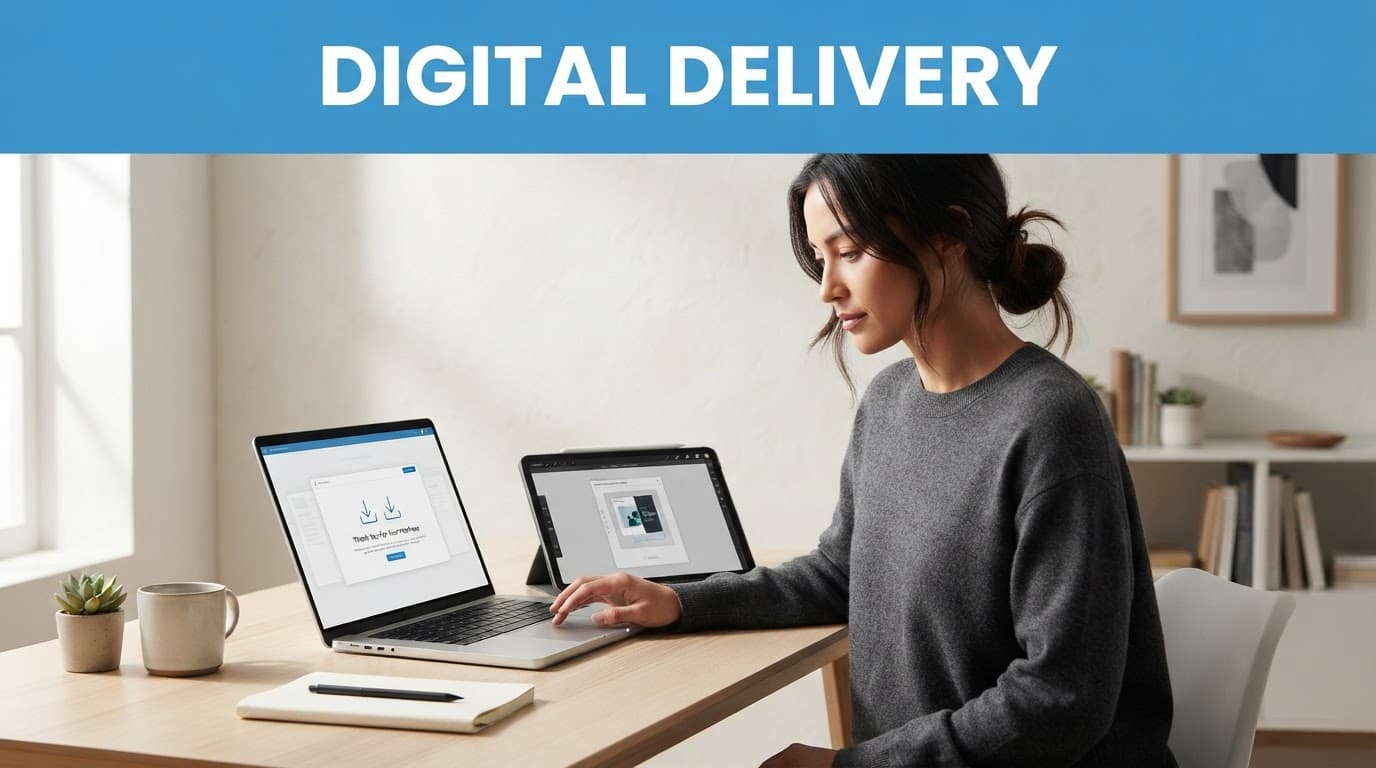
A useful welcome page should explain what the customer bought and what to do first. Use clear file names, setup instructions, licensing terms, and a read-me-first document. These small details reduce support requests and help buyers reach the intended result sooner.
Digital Products Versus Physical Products and Services
Physical products require manufacturing, inventory, packing, and shipping. Digital products can usually be duplicated and delivered at a low marginal cost, although payment platforms, storage, software, and customer support still create expenses.
Services are different because they involve your ongoing time or custom work. A digital product is usually a defined asset that many customers can purchase. Some offers combine both, such as a template with setup help or a course with group coaching.
Digital sellers still need to handle refunds, updates, copyright, technical problems, and competition. A low delivery cost doesn’t remove the work required to create a trustworthy, useful offer. As one comparison of digital and physical products explains, distribution is simpler, but the product must still earn the customer’s payment.
Which Types of Digital Products Can Beginners Create?
The best first digital product is usually small, specific, and actionable. Start with the customer’s problem, then choose the format that makes the solution easiest to use. A focused download often beats a large course or complex app because you can create it faster, test demand, and improve it with real buyer feedback.
Simple Downloads: Guides, Checklists, Worksheets, and Printables
Short PDF products are beginner-friendly because they are quick to outline, easy to test, and simple to deliver. You could create a job search checklist, meal planning worksheet, content calendar, home budget guide, or Excel formula cheat sheet.
Make the product useful by giving the buyer a clear path to one result. Include short instructions, practical examples, space to record information, and steps the reader can complete immediately. A home budget guide should include spending categories and a sample monthly plan, not only general advice.
A narrow outcome also makes promotion easier. “Plan five weekday dinners in 20 minutes” is clearer than “Improve your meal planning.”
Templates and Digital Planners That Save Time
Templates sell convenience. A Canva social media pack, Notion dashboard, spreadsheet tracker, client intake form, proposal template, or digital planner helps buyers avoid starting with a blank page. Social media calendars and client documents are especially useful for freelancers and small-business owners who repeat the same tasks.
Before selling, open every file as a customer would. Check editable fields, consistent formatting, working formulas, and compatibility with the promised software. Digital planners should include clickable navigation so users can move between sections quickly.
Add a short setup guide that explains how to make a copy without changing the original template. Mention whether the buyer needs Canva, Excel, Google Sheets, or a paid Notion plan.

### Courses, Workshops, Audio, and Video Lessons
A mini-course or recorded workshop makes more sense than a PDF when the customer needs demonstration, practice, or a guided process. Keep the promise narrow, such as creating a first Excel budget or recording better short videos.
Use a lesson outline, readable slides, clear audio, captions or transcripts, and real examples. Give buyers a way to ask questions, too. Courses take more time to produce and support than downloads, so begin with short lessons and a limited scope.
Software, AI Tools, Memberships, and Premium Access
Apps, lightweight web tools, prompt libraries, paid communities, and recurring memberships can provide ongoing value, but they require more responsibility. You may need user accounts, updates, security controls, privacy protections, billing management, and customer support.
If you create an AI-assisted workflow, review every output for accuracy, originality, bias, and sensitive data risks. Responsible AI-assisted income ideas should help users work better without making unsupported promises or exposing private information. Begin with a simple tool or prompt library before building a full software product.
How to Choose a Digital Product Idea People Will Use
A useful digital product starts with a specific problem, not a broad interest. Your goal is to connect one audience with one measurable result, then test whether people care enough to act.
Start With a Specific Problem and Audience
Turn your skill into a focused offer by completing this sentence:
“I help [audience] achieve [result] without [common obstacle].”
For example, “I help freelance designers plan their week without losing time to scattered client requests.” This idea is clearer than a general productivity ebook because it names the user, the outcome, and the frustration.
Your audience’s situation should shape the product. Beginners may need plain instructions and familiar tools such as Google Sheets. Experienced users may prefer an advanced template with automation. Consider their budget, available software, technical skill, and urgency. A $9 checklist may fit a simple, immediate task, while a guided course may suit a complex skill that takes practice.
Validate Demand Before Spending Weeks Creating
Start with conversations, not a full product. Ask potential buyers:
- What do you do now to solve this problem?
- Which part causes the most frustration?
- What have you already tried?
- What result would make the problem worth paying to fix?
Look for the same complaint appearing across interviews, search suggestions, community questions, polls, and competitor reviews. Repeated problems with clear outcomes are stronger signals than personal excitement.
Next, describe the proposed product on a simple landing page. Invite visitors to join a waitlist, download a free sample, or reply with their biggest question. You can also offer a paid beta with limited places. A signup, detailed reply, preorder, or completed beta purchase provides better evidence than likes and compliments. This guide to validating a digital product idea also recommends testing real feedback, minimum viable products, and pre-sales before building fully.

### Match the Format to the Customer’s Desired Result
Choose the simplest format that solves the problem:
- A checklist fits a repeatable task.
- A template helps someone start faster.
- A guide fills a knowledge gap.
- A course supports skill-building.
- Software supports a repeated workflow.
Build a minimum viable product around one outcome. Buyer feedback can guide later updates, so your first version doesn’t need every possible feature.
How to Create and Sell Your First Digital Product
Creating your first digital product becomes easier when you follow a clear path: define one outcome, build a small solution, test it, package it, and promote it consistently. You don’t need a large audience or a perfect course before you begin.
Build a Small, Useful First Version
Start with one promise, such as, “Create a weekly budget in 15 minutes.” Outline the shortest path from the customer’s problem to that result. Include a quick-start page, plain instructions, practical examples, and a simple way to measure progress.
Before sharing the product, proofread every page and check that the design looks consistent. Test links, formulas, buttons, editable permissions, and file downloads. Open the files on a laptop, phone, and tablet. Also remove private information, review any stock assets or copyrighted material, and confirm that shared documents don’t expose your personal account.
Ask several people from your target audience to test the beta version. Give them a clear task and ask where they hesitated, what they expected, and what they couldn’t find. Fix repeated problems before opening sales publicly.
### Choose a Simple Platform and Delivery Setup
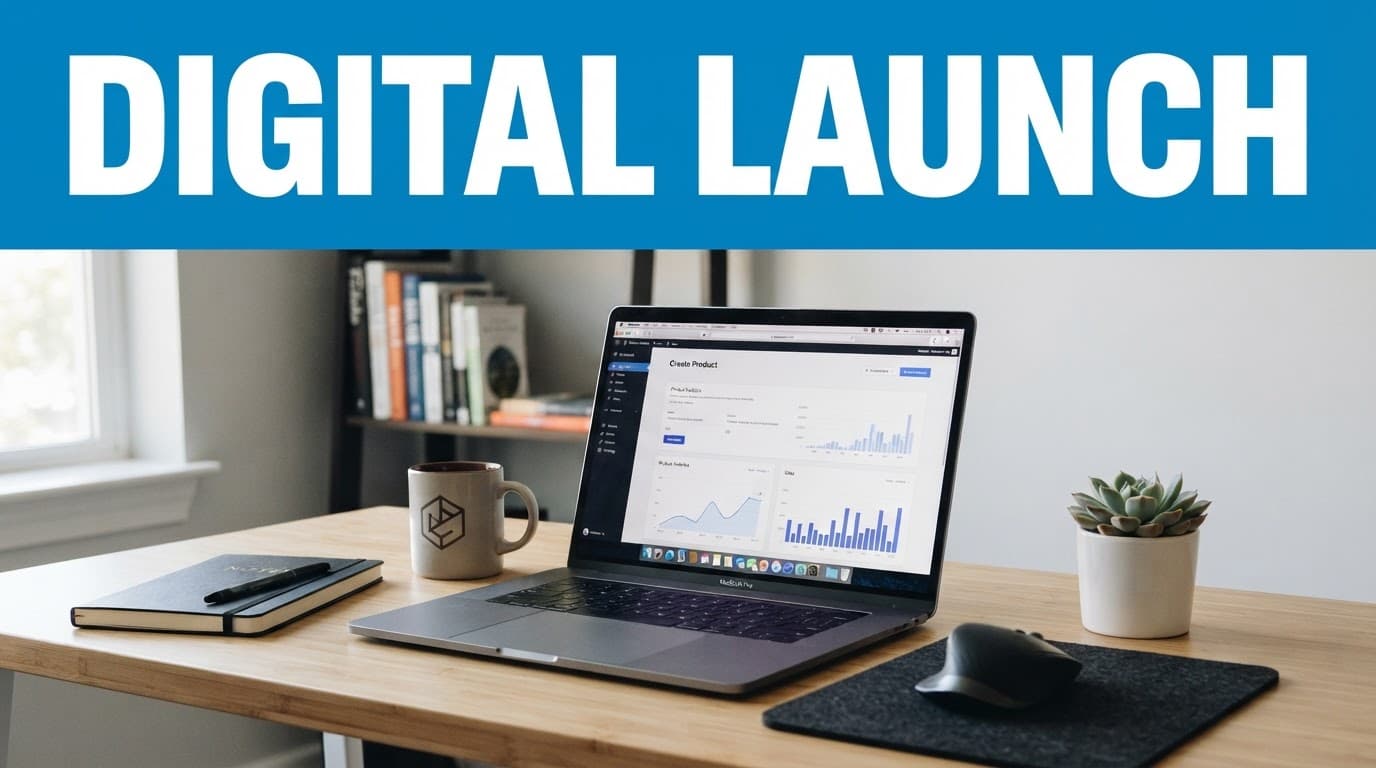
Gumroad and Payhip offer quick setups for downloads and small courses. Etsy can help product-based searches find printables and templates, while Shopify gives you more store control. Stan Store fits creators who want products, links, and basic offers in one profile-based storefront.
Compare each option by product type, audience, payment support, customization, email features, fees, and tax responsibilities. Platform pricing changes, so check current terms before publishing. A simple setup needs:
- A checkout page with the product price and payment method.
- An automated delivery link or customer account.
- A visible refund policy and support email address.
Write a Product Page That Explains the Value
Use a specific headline, then identify the target customer, problem, promised outcome, included files, process, previews, formats, requirements, price, refund terms, and FAQs. Show screenshots or sample pages instead of relying on hype. State who the product isn’t for when that prevents poor-fit purchases.
Promote the Product With Useful Content
Promotion is part of the product business, not a final task. Demonstrate the problem and show the product solving it through email, search-focused blog posts, short videos, communities, partnerships, and social media tutorials. Pinterest can support consistent discovery through a Pinterest content system.
Start with a small audience, track sales and customer questions, then improve the product and its page based on evidence.
Pricing, Profit, and Common Beginner Mistakes
A digital product can sell repeatedly, but profit depends on more than the price on your checkout page. You must match the offer to the buyer’s expected result, cover direct costs, and create a product people can understand and use.
How to Set a Fair Starting Price
Start by comparing similar offers, then choose a reasonable introductory price rather than guessing. Consider the result, depth, support, audience, competition, and time saved, not only the number of pages or files. A low-cost download usually needs a lower price than a detailed template system, mini-course, software tool, or membership with ongoing access.
Track conversion rate, refunds, customer questions, and feedback. Raise the price when you improve the product, add examples, include support, or prove that it saves customers meaningful time. A low price cannot fix an unclear promise or weak sales page. Review pricing strategy examples before choosing your first test.
Calculate profit after platform fees, payment processing, software subscriptions, advertising, taxes, refunds, affiliate commissions, and customer support. Check local tax rules and the policies of your chosen selling platform before launch.

### The Benefits and Limits of Digital Products
Digital products need no physical inventory or shipping, and customers can receive them immediately from almost anywhere. You can sell the same file repeatedly, update it when information changes, and package your expertise into a practical resource.
However, repeatable delivery does not mean zero work. Crowded markets make discovery difficult, piracy can reduce control, and platform changes can affect your sales. You may also handle software updates, technical questions, refund requests, and ongoing promotion. Memberships and software require even more maintenance because customers expect continued access and reliable service.
Mistakes That Make a First Product Hard to Sell
Beginners often create for everyone, copy a trend without relevant expertise, or build for weeks before checking demand. Choose one audience, interview potential buyers, and test a small paid version first.
Broad products also confuse buyers. Narrow the promise to one outcome, then use clear file names, setup instructions, and compatible formats. Test every link, formula, permission, and download before launch.
Unedited AI output can contain errors, generic advice, or copied wording. Review and fact-check it yourself. Also confirm that images, fonts, and other assets allow commercial use.
Avoid collecting sensitive customer data unless you truly need it. Finally, prepare promotion before launch with useful email, search, social, or partnership content. A good product still needs a clear path to its first buyers.
When Affiliate Offers or Services Are a Better First Step
A service can help you learn customer needs before building a product. You can also recommend relevant tools through ethical affiliate marketing, with honest disclosures and genuine recommendations. Match every offer to the reader’s problem, not simply its commission. A service paired with a reusable template can create income now while revealing what your future digital product should include.
Frequently Asked Questions
Creating and selling a digital product can seem complicated at first. These answers cover the practical questions beginners often ask before choosing an idea, building the product, and opening sales.

### Do I need technical skills to create a digital product?
No. No-code tools, document editors, spreadsheets, Canva, and course platforms allow beginners to create guides, templates, worksheets, planners, and short courses without programming. You can start with basic tools and improve the product as customers provide feedback.
Software products usually require coding, testing, security work, and ongoing maintenance. If you want to build an app or web tool, you may need stronger technical skills or a development partner.
What is the easiest digital product to make first?
A focused checklist, short guide, worksheet, or template is usually a practical first choice. Pick one clear problem, then create the shortest useful solution, such as a client onboarding checklist or a weekly budget worksheet.
The easiest format depends on your existing knowledge and your audience’s needs. A spreadsheet may be simple for an Excel user but confusing for an audience that prefers PDFs.
Can I create a digital product with AI?
Yes, AI can help you brainstorm ideas, outline content, edit drafts, support research, and design repeatable workflows. However, you remain responsible for the final product.
Fact-check every claim, add examples from your own experience, protect private data, and review the output for errors or bias. Generic, unedited AI content rarely gives buyers a clear reason to pay.
Where can I sell a digital product?
Hosted options include Gumroad, Payhip, Etsy, Shopify, and Stan Store. You can also sell directly through your website or email list, which gives you more control over the customer experience.
Compare platform fees, payment options, file delivery, customization, email features, and customer ownership before choosing. A marketplace may provide discovery, while your own website gives you greater control but requires more setup.
How much does it cost to start selling digital products?
You can begin with free or low-cost tools, but selling is rarely completely free. Possible expenses include platform fees, payment processing, a domain, design or editing software, email services, advertising, and tax-related costs.
Start with the smallest workable setup and check current pricing before launch. Your real cost depends on the product format, sales volume, platform, and marketing plan.
Are digital products really passive income?
Delivery can be automated, but the business still needs research, creation, marketing, customer support, updates, and product improvement. A strong product may generate repeatable sales, yet there is no guaranteed passive income.
Plan for occasional maintenance and regular promotion. Treat automation as a way to reduce repeated tasks, not as a replacement for useful work.
Conclusion
A digital product is a useful, non-physical asset delivered online. Its value comes from helping a specific person solve a real problem, not from placing a file behind a payment button. The strongest beginner products are clear, practical, easy to use, and supported by reliable delivery.
Start with one audience and one problem. Validate demand before spending weeks creating, then choose the simplest format that can deliver the promised result. Test every file, link, formula, permission, checkout step, and delivery message before launch. Afterward, promote the product consistently and improve it using customer feedback.
This week, write down three problems your audience faces. Choose one small solution, such as a checklist, guide, template, or tracker, and test whether people want it before building a larger offer.
This post is last updated on August 1, 2026
About The Author
