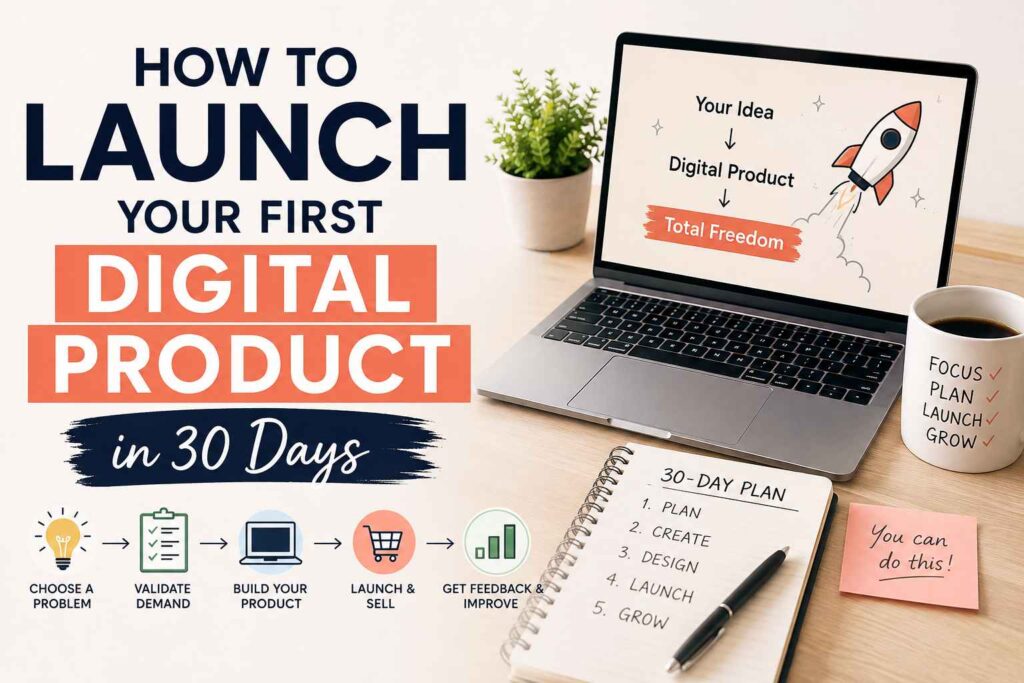
You can launch a useful first digital product in 30 days without a large audience, expensive software, or a perfect website. Your goal is a small minimum viable product, such as a focused PDF guide, template, checklist, or mini-course, rather than a huge course or polished brand.
This plan is built for beginner bloggers, affiliate marketers, and creators using Pinterest, YouTube, Instagram, or TikTok. You’ll choose a painful problem, validate demand, build a simple product, and sell it with a clear launch plan, using tools such as Canva, Google Docs, Gumroad, or the best platforms for selling digital products.
Your first launch is a learning step: serve early buyers, collect useful feedback, and prove that people want the solution before you expand it. If you’re starting with little money, this guide to launching a digital product business with zero investment will help you keep your setup simple. Start by choosing one specific problem your audience already wants to solve.
This post may contain affiliate links. If you make a purchase through these links, I may earn a small commission at no extra cost to you.
Key Takeaways
- Choose one specific audience problem, then validate demand before spending weeks creating your product.
- Build a focused minimum viable product, such as a guide, template, checklist, or mini-course, using simple tools.
- Use a beginner’s guide to digital products to compare platforms, payment options, delivery, and pricing.
- Promote through the channel your audience already uses, including Pinterest, YouTube, Instagram, TikTok, or email.
- Launch, collect buyer feedback, and improve the offer instead of waiting for perfect results. A clear product launch checklist can keep each step on track.
How to Launch Your First Digital Product in 30 Days
A 30-day launch works best when each phase has one job. First, choose a real problem. Next, validate demand, build the smallest useful solution, prepare your sales page, and promote before launch day. The schedule can shift around your work and family life, but skipping validation or delaying promotion creates the biggest risks.
Use one rule throughout the month: solve one problem for one clear audience with one specific result. Your first product could be a PDF guide, template pack, checklist, worksheet, short video course, audio lesson, or mini-workshop. Review these beginner digital product ideas if you need a practical starting point.
Days 1-3: Pick a Problem People Already Want to Solve
Choose a problem that happens often, feels urgent, and is simple enough to address quickly. “Make money online” is too broad. “Create 30 Pinterest pins in one afternoon” gives the buyer a clear task and measurable result.
Look for repeated complaints in:
- Comments on YouTube videos, blogs, and social posts.
- Reddit discussions and questions in online communities.
- Google search suggestions and related searches.
- Reviews of competing products, especially complaints.
- Questions your audience sends you directly.
- Problems you have already solved through personal experience.
Then narrow your idea by defining one audience, one pain point, and one outcome. For example, a beginner blogger may create a worksheet that helps new affiliate marketers plan seven Pinterest posts in one hour. That promise is easier to explain, build, and promote than a general Pinterest marketing course.
### Days 4-7: Validate Demand Before You Build
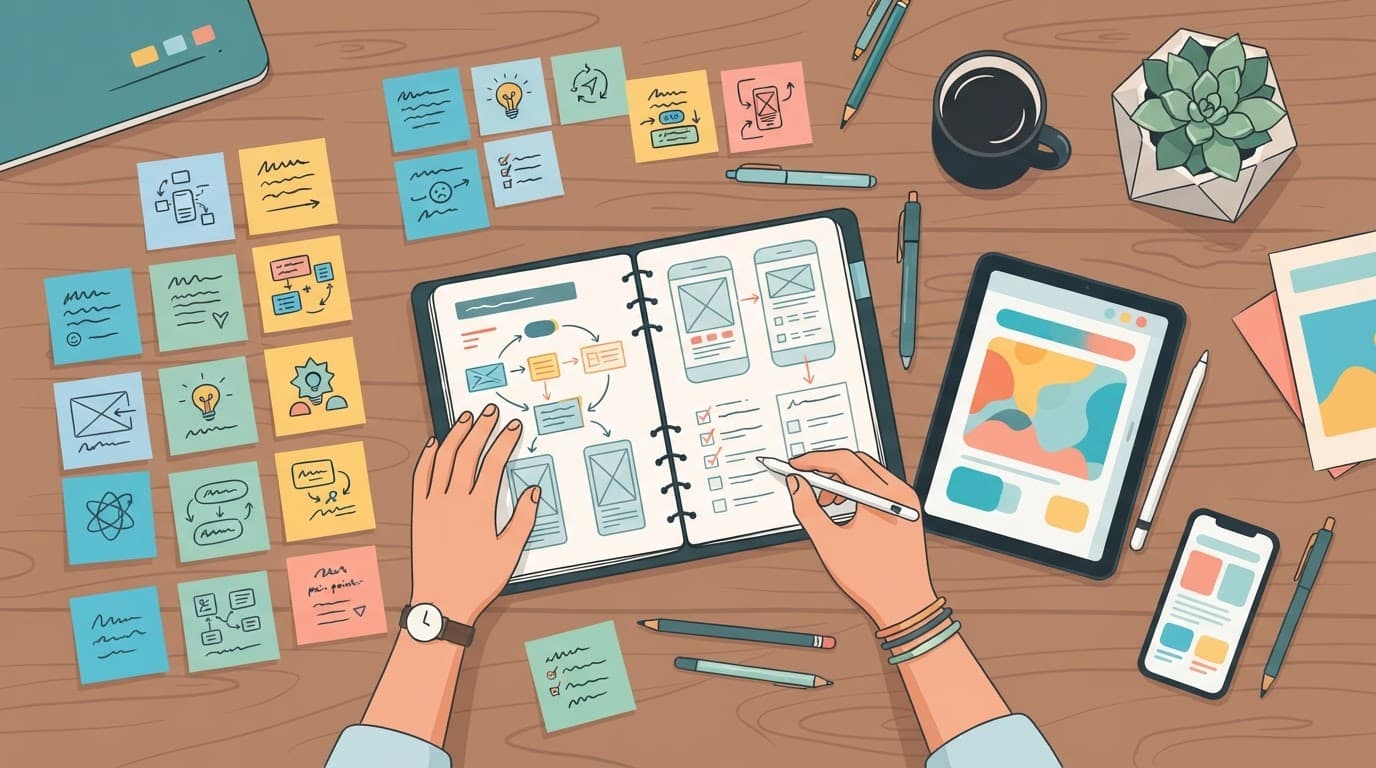
Ask your social audience, email list, or an online community to complete a short survey. You can also invite interested people to a waitlist, offer a free beta, or sell a small paid beta. Record the exact words people use because those phrases can improve your product title and sales copy.
Ask:
- What is the hardest part of this problem?
- What have you tried already?
- What result would make the solution useful?
- Would you pay for help, and what format would you prefer?
- Would you join an early-access beta?
Aim for 20 to 50 interested people as an early signal, not a guarantee. Email signups, detailed replies, preorders, and requests for help provide stronger evidence than likes. Product validation methods also commonly use prototypes, waitlists, and small beta groups before full development (practical validation methods).
If nobody responds, change the audience, pain point, promise, or channel before building. Silence is useful feedback when you act on it.
Build a Small Digital Product That Delivers One Quick Win
Turn your validated problem into a focused minimum viable product you can finish in about one week. The buyer should complete one useful action quickly, not study a large library of content.
Choose the Right Format for Your First Offer
Match the format to the promised result, your skills, and how your audience prefers to learn. Beginner digital product ideas include:
| Format | Works best when |
|---|---|
| 6-12 page PDF | Buyers need a clear process or quick reference |
| Template or spreadsheet pack | The main value is saving setup time |
| Checklist | The task has repeatable steps |
| Short ebook | Readers need context, examples, and guidance |
| Mini-course | The process requires demonstrations |
| Short video product | Seeing the task performed prevents confusion |
Choose three to seven steps, with one quick win per step. For example, a Pinterest product could help a beginner plan seven posts:
- Choose seven article topics.
- Write one benefit-driven title for each.
- Add one call to action.
- Select a simple Canva design.
- Schedule the finished pins.
Include a worked example, then add troubleshooting for common problems such as unclear titles, broken formulas, missing downloads, or low-quality images. A course should contain four to six lessons, with each video lasting about five to ten minutes. Don’t build a long course until buyers prove the topic sells. Comparing digital and physical goods can also help you choose a low-overhead starting point.
### Create and Test the Product Without Overcomplicating It
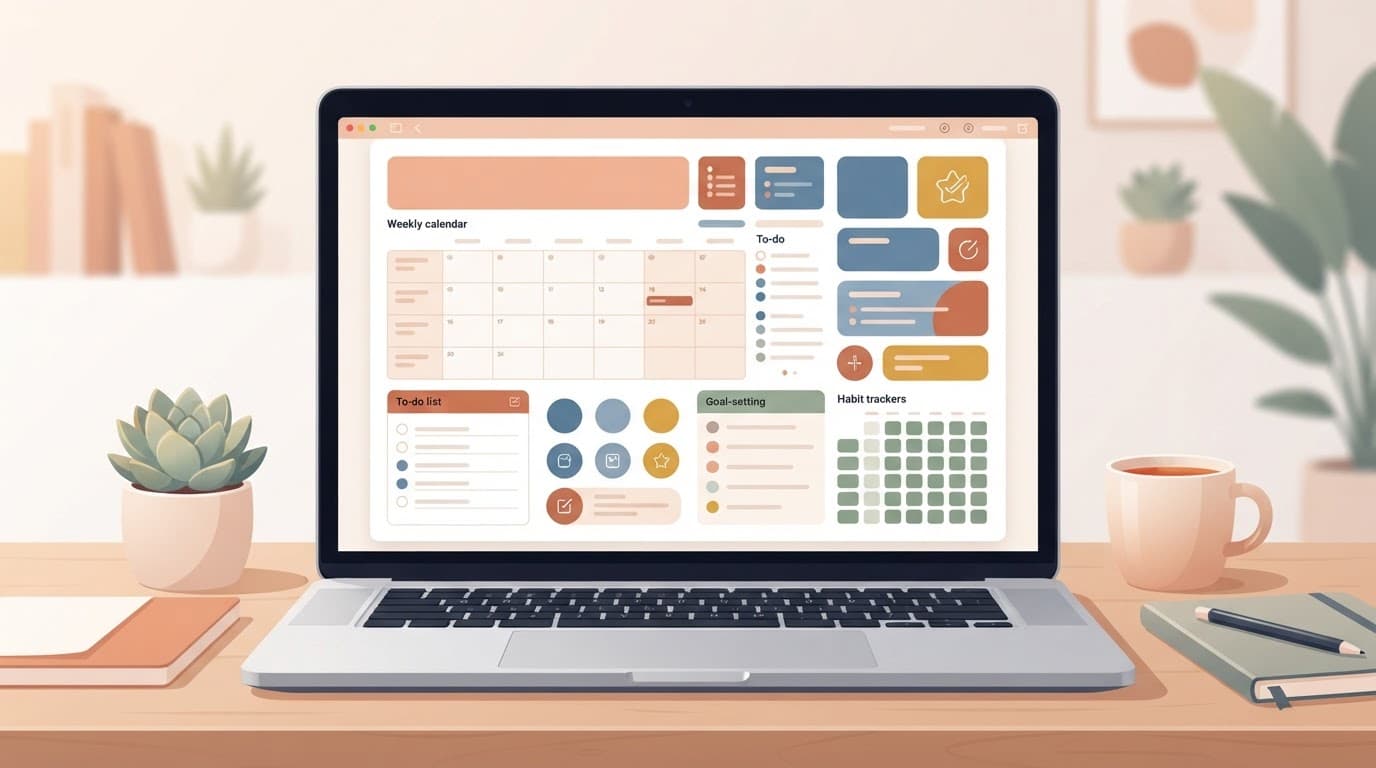
Write in Google Docs or Microsoft Word, then use Canva for layout and templates. For video, a smartphone, clear audio, and decent lighting are enough. Name files clearly, add simple instructions, check every link, and test the download on mobile.
Use readable fonts, strong contrast, captions, and a mobile-friendly PDF. Ask one person to follow the product from start to finish without your help.
Before delivery, review four points: accuracy, clarity, usefulness, and access. AI can help brainstorm, organize, edit, and repurpose your original ideas. However, fact-check every claim, remove generic filler, and never copy generated text or publish unsupported advice. For more ideas, see how to make money with AI.
Set Up Your Digital Product Business to Take Orders
Before promoting your product, make sure a customer can understand the offer, pay for it, receive it, and contact you if something goes wrong. A simple setup is better than a complicated system that delays your launch. This digital product business guide can help you plan the basic business pieces without overspending.
Choose a Platform Based on Your Product and Traffic
A marketplace gives you built-in discovery, so shoppers may find your product through the platform. A creator storefront, such as Gumroad or Payhip, usually requires you to bring visitors from your blog, email list, Pinterest, YouTube, or social media. Review this comparison of digital product platforms before choosing.
Compare the features that affect your first sale:
- Transaction fees and monthly charges can change your profit.
- Payment support should include the methods your audience prefers.
- File size limits matter for video, audio, and large template bundles.
- Email tools help you announce launches and follow up with buyers.
- Course hosting is useful when your product includes lessons or videos.
- Affiliate features can help other creators promote your offer.
- Customer ownership affects whether you can contact buyers later.
- Setup time matters when you plan to launch within 30 days.
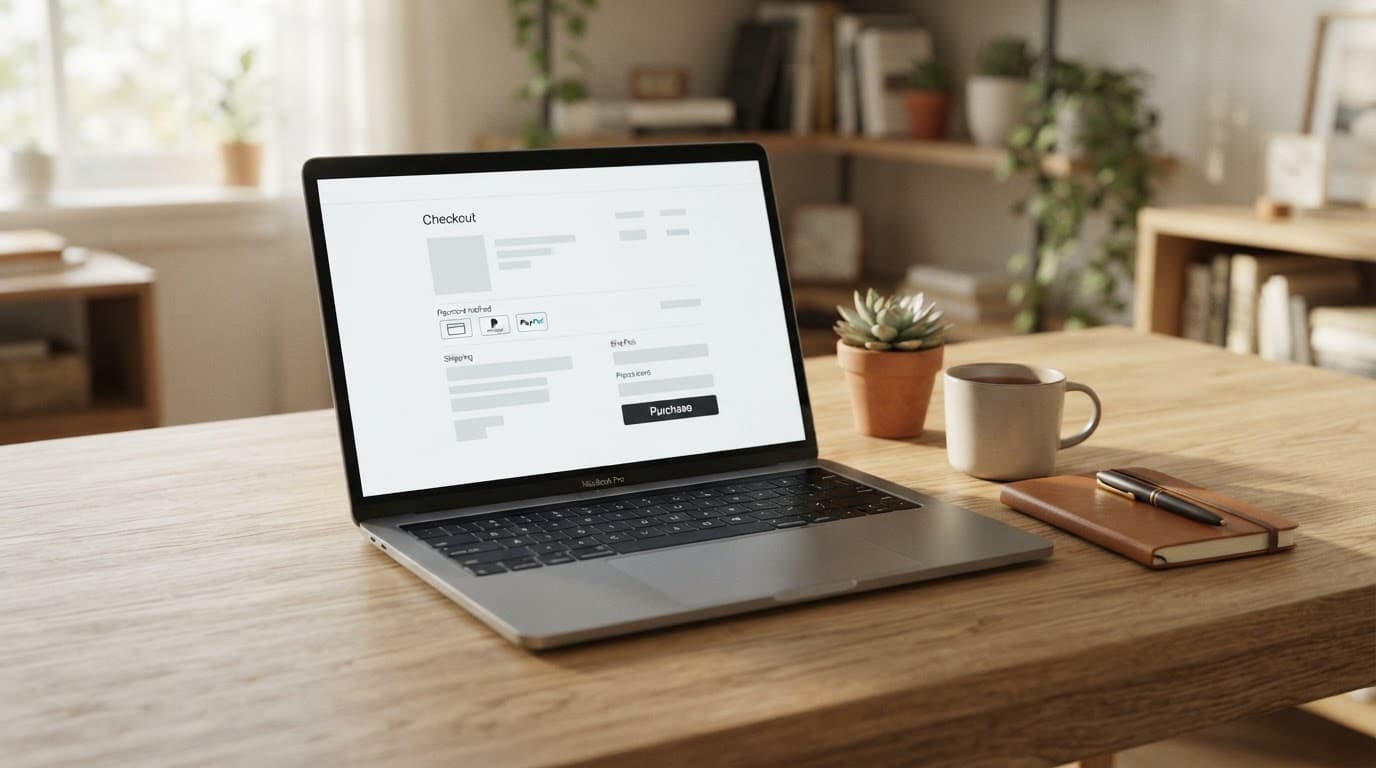
Start with a low-cost creator platform for a PDF, checklist, or template. Choose a course platform when students need lessons, progress tracking, or video hosting. A full store or WordPress site makes more sense after sales justify the extra design, maintenance, and payment work.
If you sell mainly to customers in India, check UPI, INR pricing, cards, taxes, platform fees, and settlement times before connecting a payment tool. Standard bank-linked UPI payments are generally free for customers, but a gateway or platform may still charge the seller.
Price the First Product and Write a Sales Page That Converts
Use value-based pricing rather than copying a competitor’s number. Compare the cost of the buyer’s problem, the time your product saves, and how useful the result will be. For a small guide or template, testing a low-friction range such as $9 to $49 can be a sensible starting point, but local income levels and buying habits may require a different price.
Set up the product name, clear promise, checkout, payment method, automatic delivery, refund policy, support email, and basic bookkeeping before launch. Keep a record of sales, fees, refunds, and expenses in a spreadsheet.
Your sales page should include:
- A specific headline and target audience.
- The problem and promised result.
- Product contents and a useful preview.
- The price, refund terms, and FAQs.
- One clear call to action.
Avoid vague benefits, fake urgency, guaranteed-income claims, and promises you cannot prove. Buyers need a clear reason to purchase, not pressure. For an additional pricing framework, see this digital product pricing method.
Pre-Launch and Promote Your Product for Seven Days
Use days 18-22 to prepare your promotion, then run one focused seven-day launch during the final week. A digital product is easier to test because you don’t need inventory, shipping, or a large upfront budget. See how digital products compare with physical products before choosing your offer.
Choose one main traffic channel based on your strengths. Pinterest suits search-based content, YouTube works well for demonstrations, Instagram and TikTok favor short videos, while a blog or email list gives you more space to build trust. You can share the same idea across other channels, but avoid managing several full campaigns at once.
Use a Simple Seven-Day Launch Content Plan
During days 18-22, finish your sales page, test checkout and delivery, prepare your product preview, write the emails, and schedule your posts. Create one Pinterest pin, one short YouTube mention, a blog callout, and several short-form posts. AI can help outline and repurpose these pieces, but review every claim and keep the final message based on your real product. Use this guide to make money online with AI for responsible content ideas.
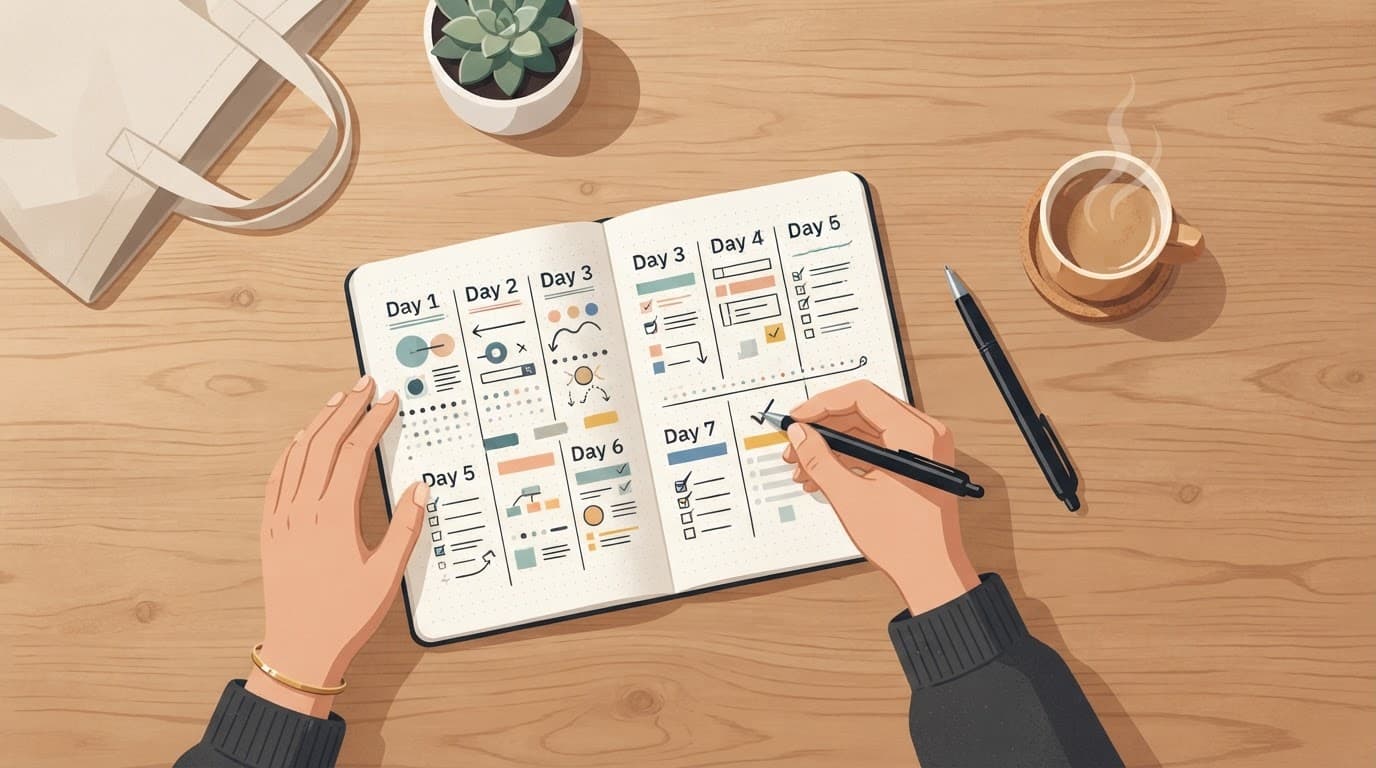
Follow this sequence during launch week:
- Day 1: Announce the product and explain the problem it solves. A short post might say, “I created a simple system for beginners who struggle to plan consistent Pinterest content.”
- Day 2: Share your personal story or a behind-the-scenes look at creating the product.
- Day 3: Teach one useful step from the product through a short video, blog tip, Pinterest pin, or YouTube mention.
- Day 4: Answer objections about price, time, skill level, format, refunds, and product fit.
- Day 5: Share honest beta feedback or demonstrate one useful example from the product.
- Day 6: Highlight a real bonus and state when it ends. Use a deadline only when you will honor it.
- Day 7: Send a final email and publish a clear reminder with the checkout link.
Repeat one clear CTA, such as “Get the beginner Pinterest planning guide”, throughout the week. Don’t change the offer daily. Each piece should teach something useful, so promotion feels helpful rather than repetitive or spammy.
Turn Attention Into Sales With a Clear Call to Action
A good CTA tells readers what to buy, who it’s for, and what to do next. Place it in the waitlist email, launch email, pinned social post, profile link, blog callout, product preview, and checkout page.
Buyers often need several reminders before acting, especially when they are unsure about price, time, format, or skill level. Answer those concerns in a short FAQ, explain your refund terms, and show a preview that lets people judge whether the product fits.
Ask beta users for specific feedback, such as which step helped most or where instructions felt unclear. Publish only honest testimonials with permission. Never invent results, exaggerate outcomes, or present a friendly comment as proof of guaranteed success. For additional launch planning guidance, review this digital product launch strategy.
Measure the First Launch and Improve the Next Version
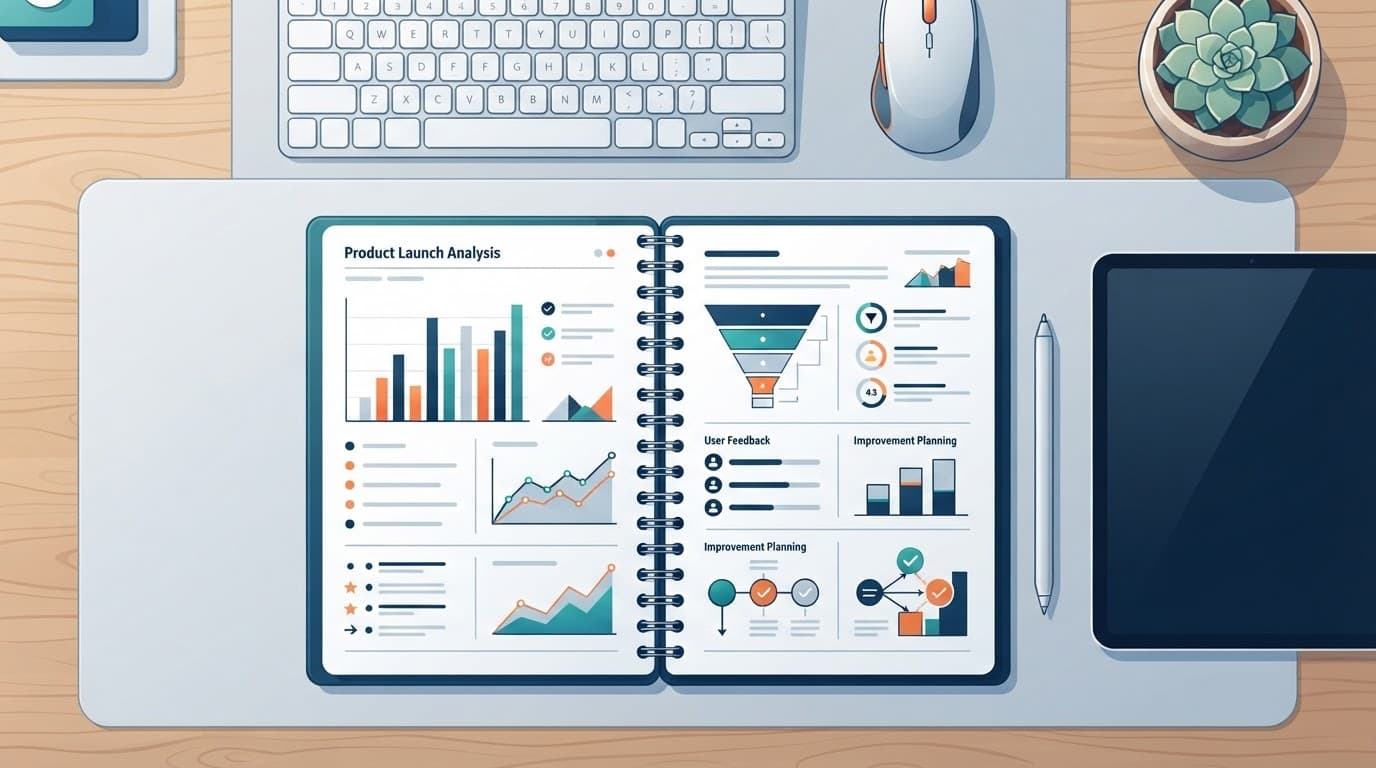
Your first launch gives you evidence, not a final verdict. Review what happened on days 29-30, then use the results to fix the offer before creating something bigger.
### Avoid the Mistakes That Delay a 30-Day Launch
Beginners often lose time by building before validating demand, one of the digital product selling mistakes that cost beginners their first sales. Ask potential buyers about the problem first, then create only what their answers support. A broad audience also weakens your message, so choose one clear group with one urgent need.
Keep the product small enough to finish and test. A focused guide or template is safer than a huge course. Spend days on useful content instead of weeks on branding, logos, and website design. Use one main sales platform and one traffic channel, rather than splitting your attention across several tools.
One social post rarely creates enough attention. Share useful content repeatedly during launch week and place the offer where people can see it. If fear makes you underprice, charge a fair amount that reflects the time saved and the result promised. Avoid income guarantees because your product cannot control a buyer’s effort or outcome.
Before launch, complete a purchase yourself. Test the payment page, confirmation email, download link, mobile experience, and customer support process. A broken checkout can erase interest you worked all month to earn.
On days 29-30, record views, clicks, email signups, checkout starts, conversion rate, sales, refunds, support questions, and product completion. These metrics help you find the weak point. Low views suggest a traffic problem. Clicks without sales suggest an offer or trust problem. Refunds, repeated questions, or incomplete products suggest confusion or an expectation problem. Product launch metrics such as conversion and engagement also help connect attention with customer action (product launch metrics guide).
Collect buyer feedback, fix the biggest issue first, and then test version two. Consider a bundle, upsell, or related product only after the first offer works. Your day-30 checklist should confirm that the product works, payment and delivery work, the sales page is clear, the CTA is visible, and feedback has been collected.
Frequently Asked Questions
A first launch often raises practical questions that a 30-day plan cannot answer in detail. These answers can help you handle common concerns before opening your checkout.

Can I launch a digital product without an email list?
Yes, but you need another way to reach potential buyers. Publish helpful content on Pinterest, YouTube, Instagram, TikTok, Reddit, or your blog, then direct interested people to your sales page or waitlist.
An email list helps because you can follow up with people who showed interest. However, your first launch can begin with personal outreach and consistent content while you build that list.
Do I need a business license to sell a digital product?
The answer depends on your location, business structure, product type, and local rules. Check your state or local government website, then ask a qualified tax professional about registration, sales tax, income reporting, and deductible expenses.
Keep records from the first sale. Save platform statements, payment fees, refunds, software costs, and advertising expenses in one spreadsheet.
How can I protect a PDF, template, or course from being copied?
You cannot prevent every unauthorized share, but you can reduce casual copying. Use a platform that delivers files through buyer accounts or protected links, add your brand name to the product, and state that customers may not redistribute it.
Your sales page should also explain who can use the product and whether commercial use is allowed. Clear license terms prevent confusion before customers download the files.
What should I do if nobody buys during launch week?
First, check traffic before changing the product. If few people viewed the offer, publish more promotion and improve your distribution; if people clicked but did not buy, review the price, promise, preview, and checkout experience.
Ask interested visitors what stopped them. Their answers may reveal a trust concern or unclear benefit that analytics cannot show.
Should I offer refunds for a digital product?
A clear refund policy can reduce uncertainty, but the terms should match your product and local requirements. Explain the request window, eligible situations, and what happens when someone has already downloaded the files.
Also, provide a support email so customers can report access problems before requesting a refund. Fixing a broken delivery link can save a sale and protect trust.
When should I create a larger product?
Wait until your first version produces useful evidence. Repeated buyer questions, strong feedback, completed purchases, and requests for advanced help can show that a larger course or bundle has real demand.
Use those questions to plan the next version. A focused first product gives you better direction than building a large offer based only on assumptions. For another product-creation framework, review this six-step digital product guide.
Conclusion
Launching your first digital product in 30 days is realistic when you keep the scope small and test the idea before spending weeks creating it. Start with a real audience problem, validate that people would pay for a solution, then build a focused MVP. After that, set up checkout and delivery, promote the offer before launch day, and use buyer feedback to improve the next version.
Your first product is a learning asset, not a promise of instant passive income. It can show you what your audience needs, which messages attract attention, and where your process needs work. Those lessons give you a stronger starting point for building a larger digital product business.
To begin, write down three problems your audience faces today. Then ask 10 potential buyers which one they would pay to solve. Their answers can shape your first product and your 30-day launch plan.
This post is last updated on August 11, 2026
About The Author
